


How Do I Remove a Google Account from a Used Samsung Phone?
- easy Phones
- Oct 14
- 5 min read

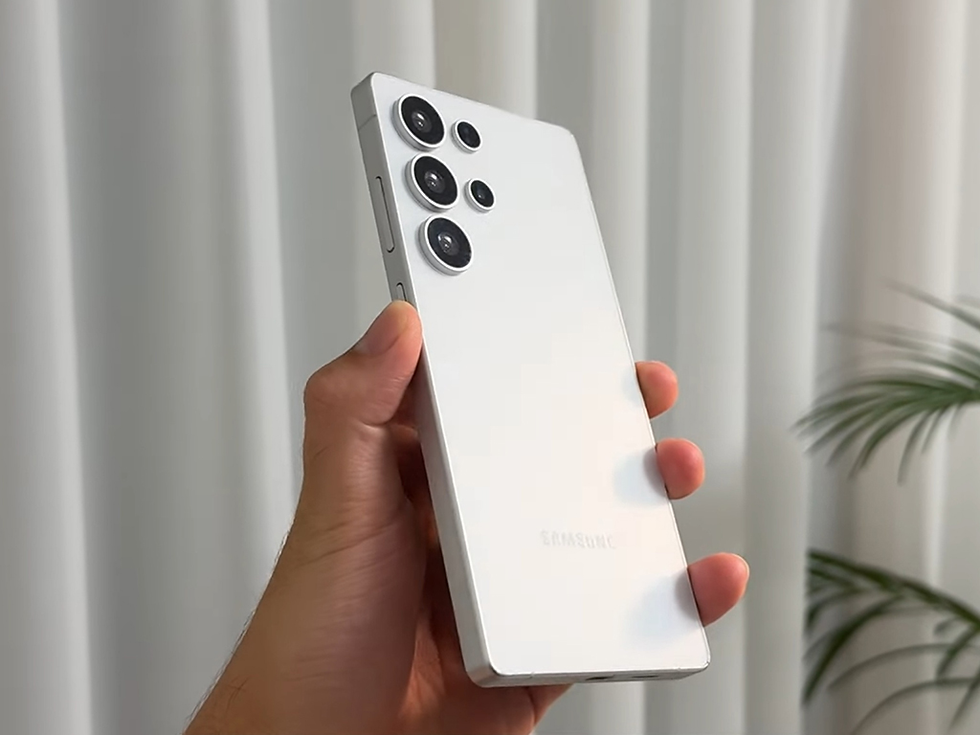
When you purchase a used or refurbished Samsung phone, one of the most common issues you might face is the Google account verification lock (also known as FRP – Factory Reset Protection). This lock ensures that only the original owner can access the phone after a factory reset, protecting it from unauthorized use. However, if you’ve legitimately purchased a pre-owned device and it’s still linked to someone else’s Google account, you’ll need to remove that account before you can fully set up and use your phone.
In this comprehensive guide, we’ll explain how to remove a Google account from a used Samsung phone, why it’s necessary, and what precautions to take before buying or selling a device. Whether you’re dealing with an older model or the latest Refurbished Samsung Galaxy S25 Ultra 5G, these steps will help you start fresh with confidence.
Why You Might Need to Remove a Google Account
Google accounts are deeply integrated into Android devices. They store your app data, emails, contacts, and even your backup settings. When you sign into a Google account on a Samsung phone, it becomes tied to the device until it’s removed manually.
Here are some common reasons you may need to remove a Google account from a Samsung phone:
You purchased a used or refurbished device: The previous owner might not have removed their Google account before selling it.
You’re planning to sell your phone: It’s essential to remove your account to protect personal information.
You’re troubleshooting sync or login issues: Sometimes removing and re-adding the Google account fixes common app or Play Store problems.
If you’ve bought a used phone, such as one from a Samsung used phones India collection, verifying that the Google account is properly removed ensures you can use all services without restrictions.
Understanding Google’s FRP (Factory Reset Protection)
FRP is a security feature introduced by Google to prevent unauthorized access after a factory reset. If a phone has FRP enabled and you reset it without removing the Google account, it will ask for the previously synced Google ID and password during setup. This can be a major issue for second-hand phone buyers.
To avoid being locked out, always make sure that the Google account is removed before performing a factory reset. If you’re buying a used or refurbished device, ensure the seller has completed this step.
Step-by-Step Guide: How to Remove a Google Account from a Samsung Phone
Removing a Google account from a Samsung phone is simple if you have access to the device’s settings. Here’s how to do it safely:
Step 1: Unlock the Phone
Ensure the phone is unlocked and you can access the home screen. If the device is FRP-locked and asking for the previous owner’s Google credentials, you’ll need to contact the seller for help.
Step 2: Go to Settings
Open the Settings app on your Samsung device.
Scroll down and tap Accounts and Backup (or simply Accounts on older models).
Step 3: Select the Google Account
Under the Accounts section, you’ll see a list of all accounts linked to your phone.
Tap on the Google account you want to remove.
Step 4: Remove the Account
Tap Remove Account at the bottom of the screen.
Confirm your choice by entering your phone’s PIN, password, or fingerprint.
The account will be removed, and FRP will be disabled for that Google ID.
Once this process is complete, the phone is safe to reset or hand over without being locked again.
What to Do If You Don’t Have the Previous Owner’s Credentials
If you purchased a used Samsung phone that’s still locked to the previous Google account, don’t worry — there are a few legitimate solutions:
Contact the Seller: Ask the previous owner to log in and remove their account remotely.
They can go to myaccount.google.com → Security → Your Devices → Manage Devices and select Sign out from the specific phone.
Provide Proof of Ownership: If you bought your phone from a certified store or website like EasyPhones, they can often help verify ownership and assist in unlocking the device.
Samsung Customer Support: Visit a Samsung service center with your purchase receipt. They may assist in removing the Google account if you can prove the device is legally yours.
Avoid using any unofficial bypass tools or third-party software. These methods often violate Google’s policies and can expose your data to security risks.
Preparing Your Samsung Phone for a Factory Reset
Once the Google account has been removed, it’s safe to perform a factory reset to wipe all personal data and start fresh.
Here’s how:
Go to Settings → General Management → Reset → Factory Data Reset.
Review the information and tap Reset Device.
Enter your PIN or password and confirm.
Your Samsung phone will reboot and return to its original setup screen — without being tied to any Google account.
Tips for Buying a Used or Refurbished Samsung Phone
The second-hand smartphone market in India is booming, and Samsung devices are among the most sought-after due to their performance, camera quality, and reliability. However, to ensure a smooth experience, keep these points in mind before buying:
Always verify FRP status: Make sure the Google account is removed before finalizing the purchase.
Buy from trusted sources: Platforms like EasyPhones offer certified refurbished Samsung phones with warranties and quality checks.
Check IMEI authenticity: Dial *#06# to verify that the IMEI number matches the box or receipt.
Inspect physical condition and battery health: Reputable sellers list detailed device conditions, such as “like new” or “zero scratches.”
If you’re considering a premium model, check out the Refurbished Samsung Galaxy S25 Ultra 5G — a powerhouse device offering flagship performance, stunning camera capabilities, and a smooth 120Hz display — all at a fraction of the original cost.
Alternatively, the Refurbished Samsung Galaxy S25 5G delivers a similar premium experience in a more compact and budget-friendly package.
Why Choose Refurbished Samsung Phones in India?
Opting for Samsung used phones India is not just budget-friendly — it’s also environmentally responsible. Refurbished devices undergo rigorous quality testing, repairs (if necessary), and performance checks before resale. Reputable sellers like EasyPhones provide:
6-month warranty for peace of mind
“Like new” condition with zero scratches
Verified original parts and software
Affordable pricing compared to brand-new models
This makes them ideal for students, professionals, and anyone looking for flagship performance without the premium price tag.
Final Thoughts
Removing a Google account from a used Samsung phone is an essential step for both buyers and sellers. It ensures your personal data remains secure and prevents frustrating FRP lockouts. Whether you’re clearing your old device before resale or setting up a newly purchased refurbished phone, following the right steps will save you time and hassle.


Comments